Token acquisition
The Midnight Preview network is unstable and might experience downtime. Preview-related guides are intended for experienced developers.
In the production Midnight network, to run a DApp you need to hold some DUST in a persistent wallet and spend some of it on each transaction. However, a supply of free tDUST is available for developers who want to experiment with Midnight DApps.
Get tNIGHT
tNIGHT is the test token for the Midnight Preview network. It is used to generate tDUST for testing purposes. Here are the steps to get tNIGHT:
- Log in to your Lace Midnight Preview wallet and copy your Unshielded wallet address.
All wallet addresses are shown in Bech32m format by default. The faucet supports both formats, however the legacy (HEX) format will be dropped in future versions.
- Visit Midnight faucet and enter your Unshielded wallet address.
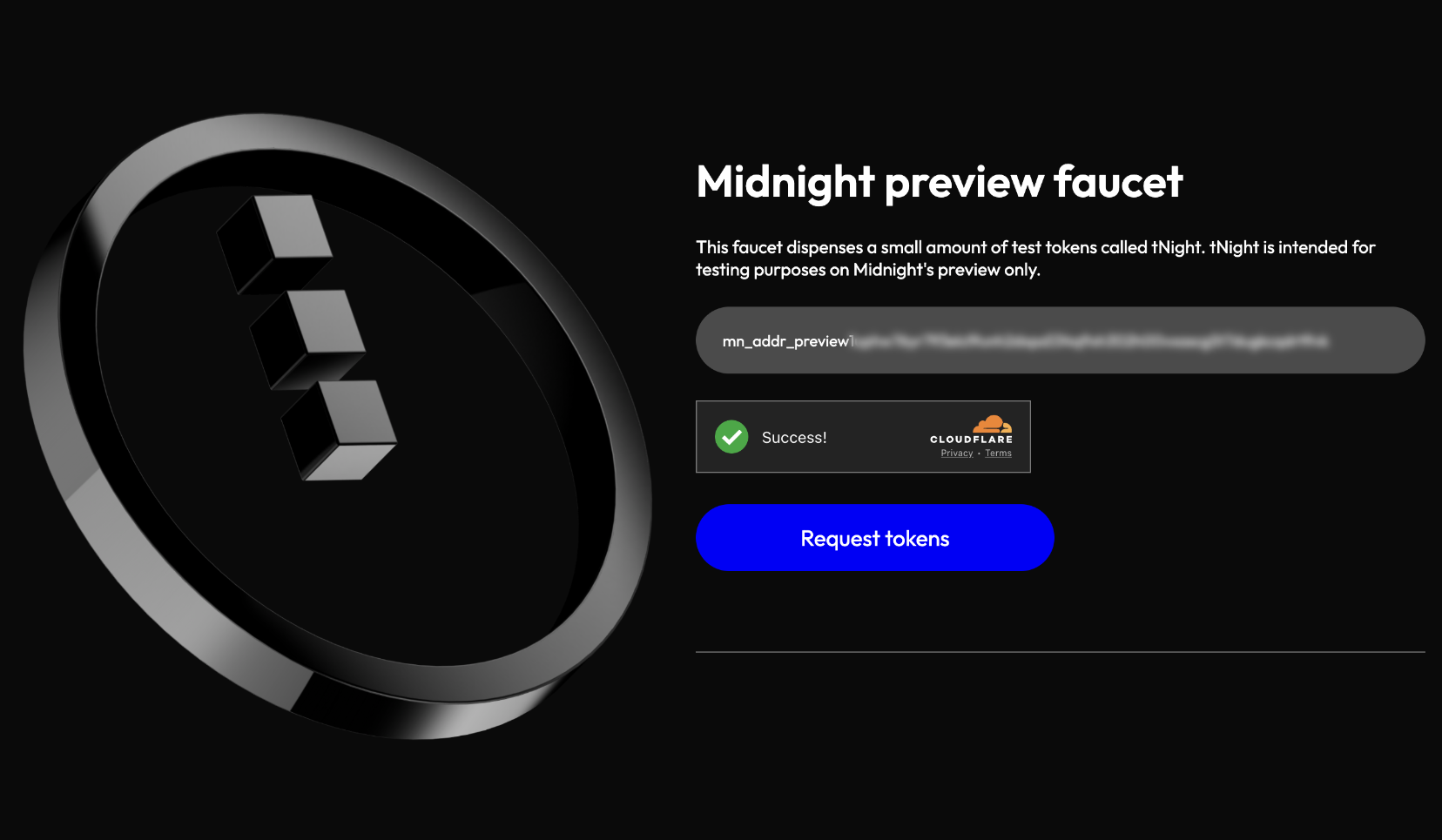
- Select Request tokens. This might take a few seconds to process and returns a transaction hash in the following format:
Transaction submitted. You will receive 1000 tNight, this should take about 2 mins. Its id is 00ec3ff48b7...
You should have received 1000.0 tNIGHT from the faucet. You can verify the balance in your wallet.
Delegate tDUST
After you have received tNIGHT, you need to delegate it to an address to generate tDUST. Here's how to do it:
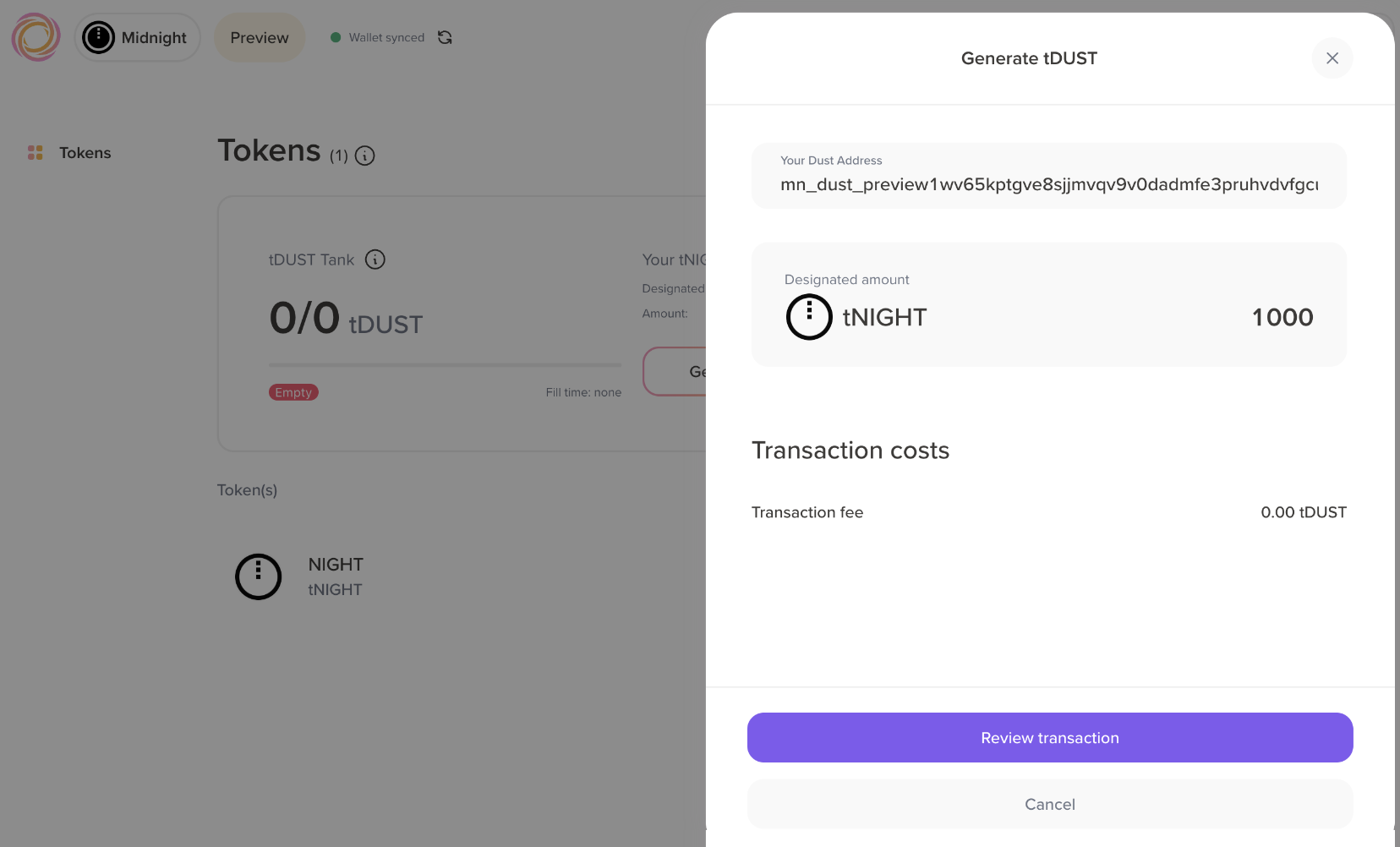
- Log in to your Lace wallet, and then click Generate tDUST. You'll see your tDUST address populated in the input field.
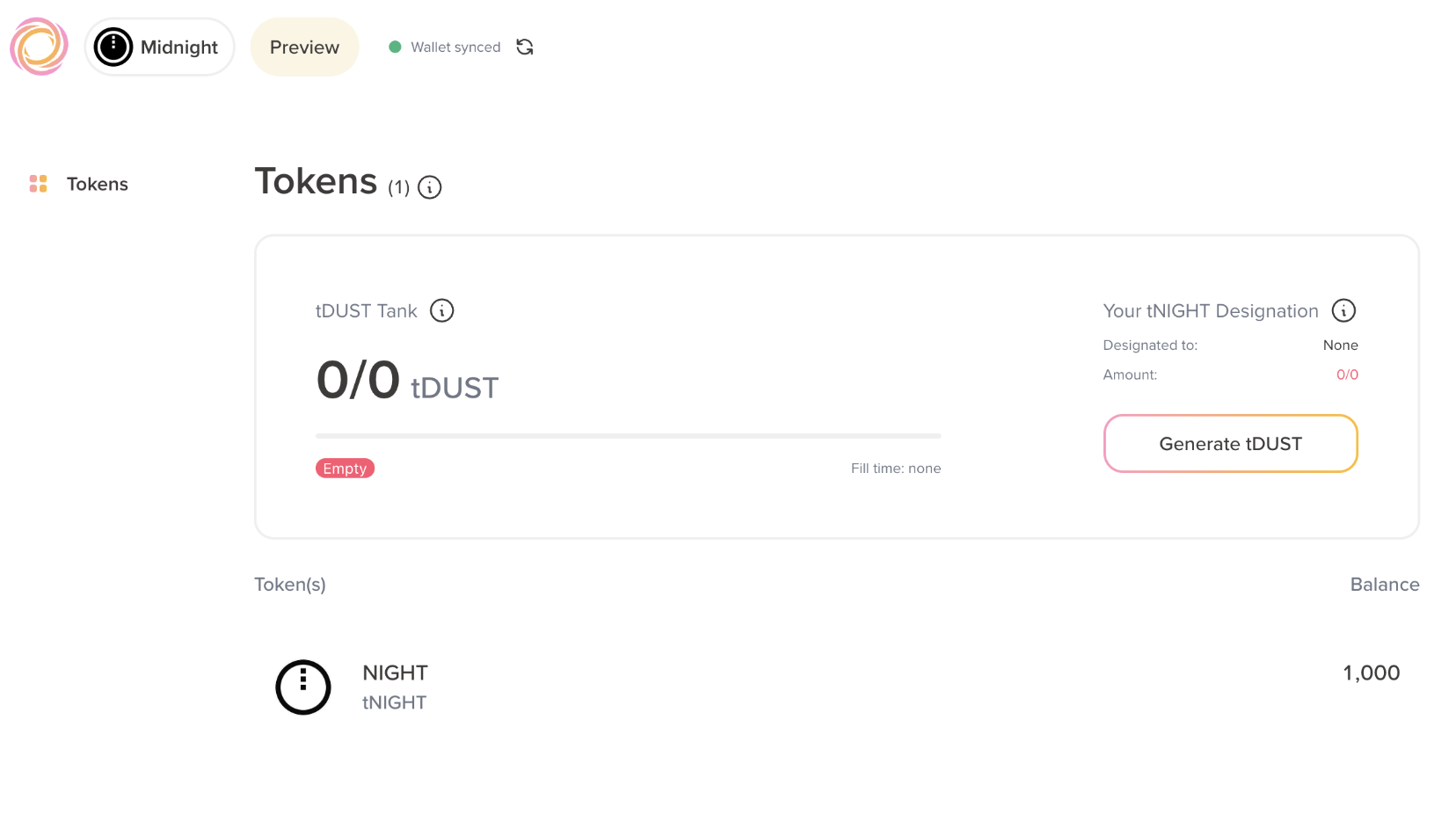
- Click Review transaction to proceed, then select Confirm to submit the transaction.
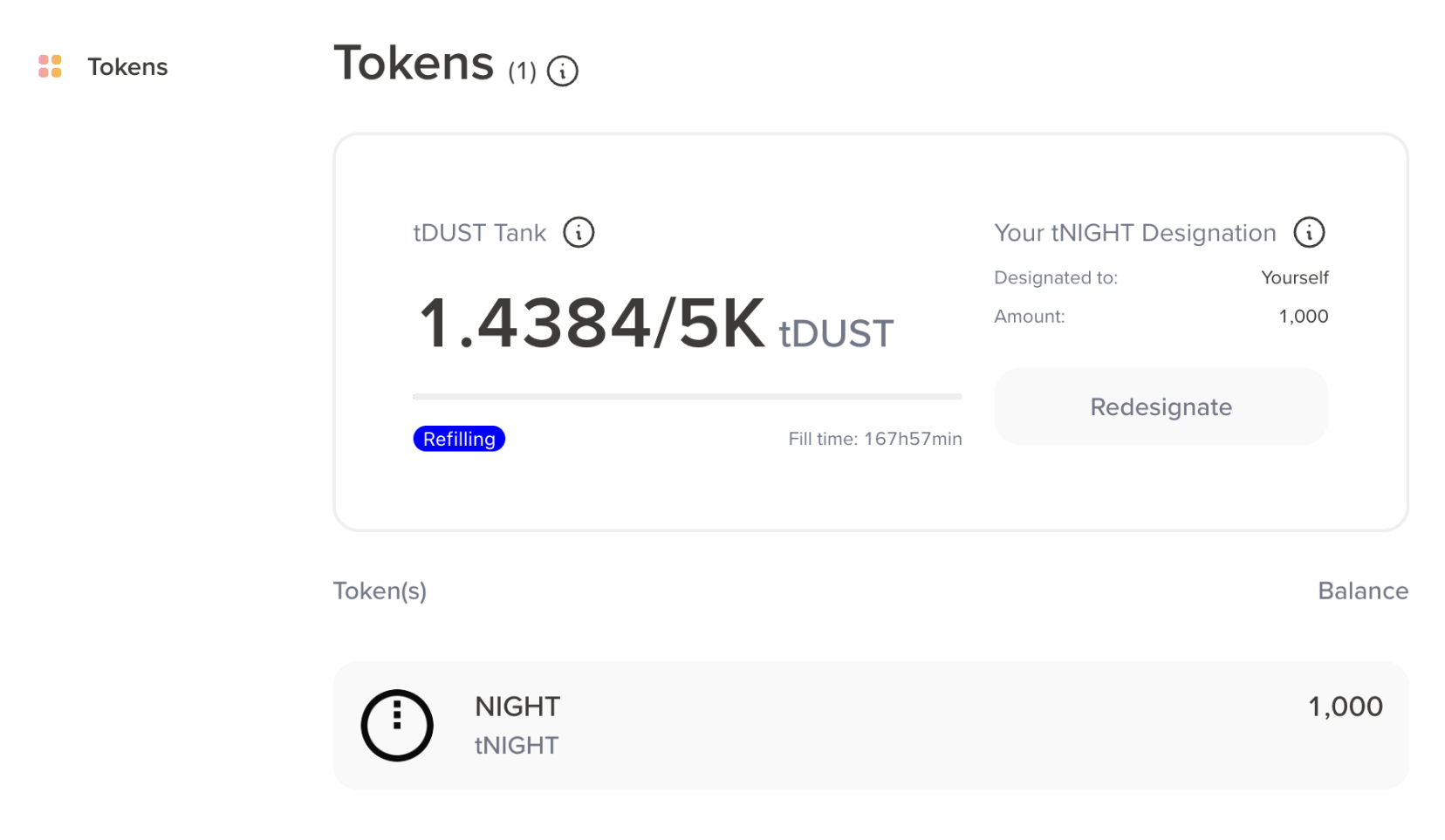
You should see your tDUST tank generating test tokens for your wallet.
Troubleshooting
Below are some common issues you might encounter when using the faucet and how to resolve them.
Provided address is invalid
-
Error:
Provided address is invalid -
Solution: Ensure that you're using the correct address. The address should be the Unshielded wallet address on the Lace Midnight Preview wallet.
Rate limit exceeded
-
Error:
{“status”:“rate_limit_error”,“message”:“Reached maximum number of requests for this address”} -
Solution: Wait a few hours and try again. If the issue persists after 24 hours, then contact Midnight support or ask for help in the Midnight Discord server.